
01 — 序列埠
插上就能看,鮑率自動偵測。
每秒掃描序列埠,顯示晶片和 VID:PID。不知道鮑率時點「⚡ 自動」,程式會試 18 種常用鮑率並選出最好的。UTF-8 和 GBK 可隨時切換。
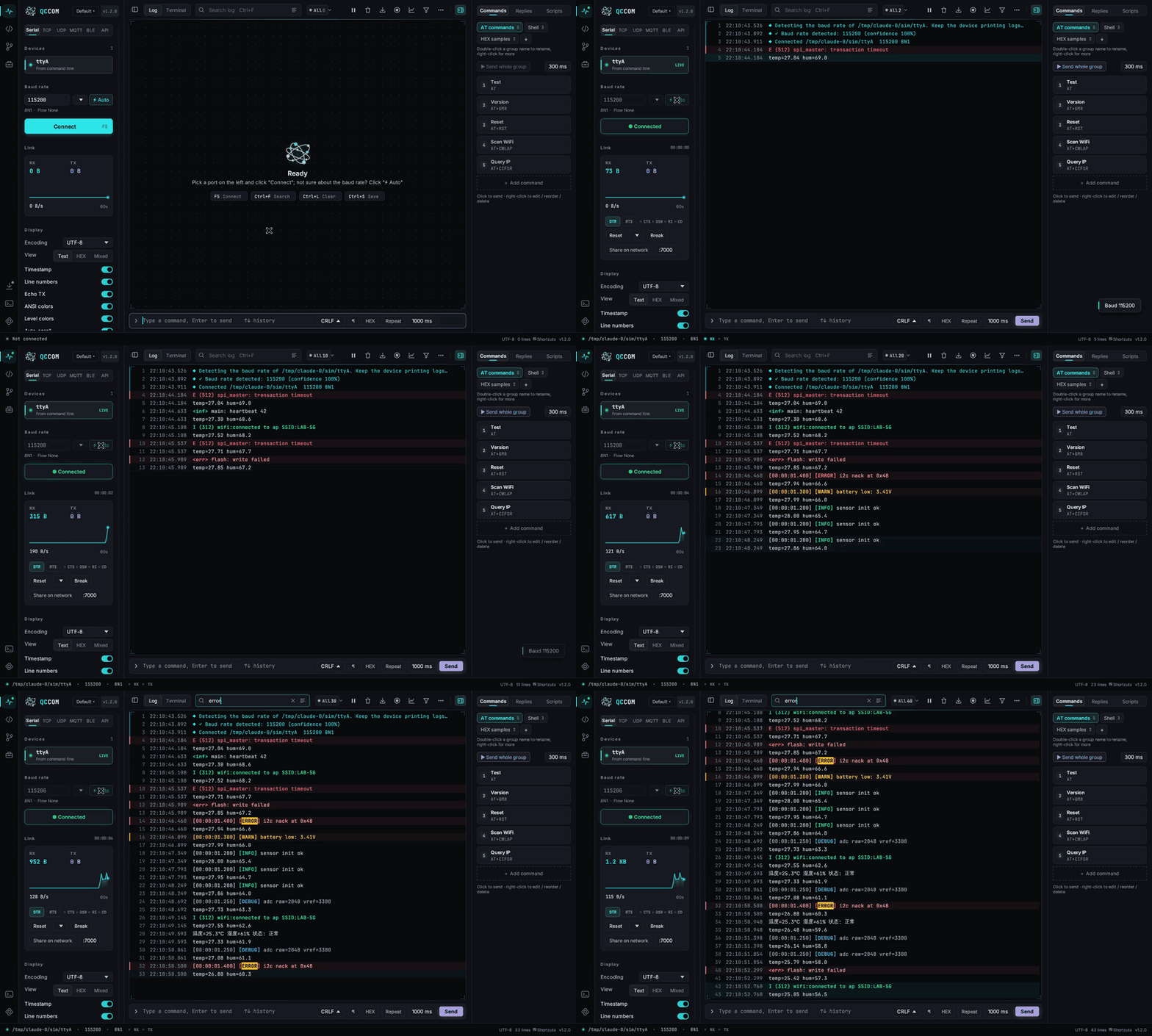
自動找到序列埠、自動偵測鮑率,日誌帶 Linux 終端機風格的顏色。序列埠、終端機、程式碼、網路和數十個嵌入式小工具都在同一個視窗。單一 exe,免安裝。
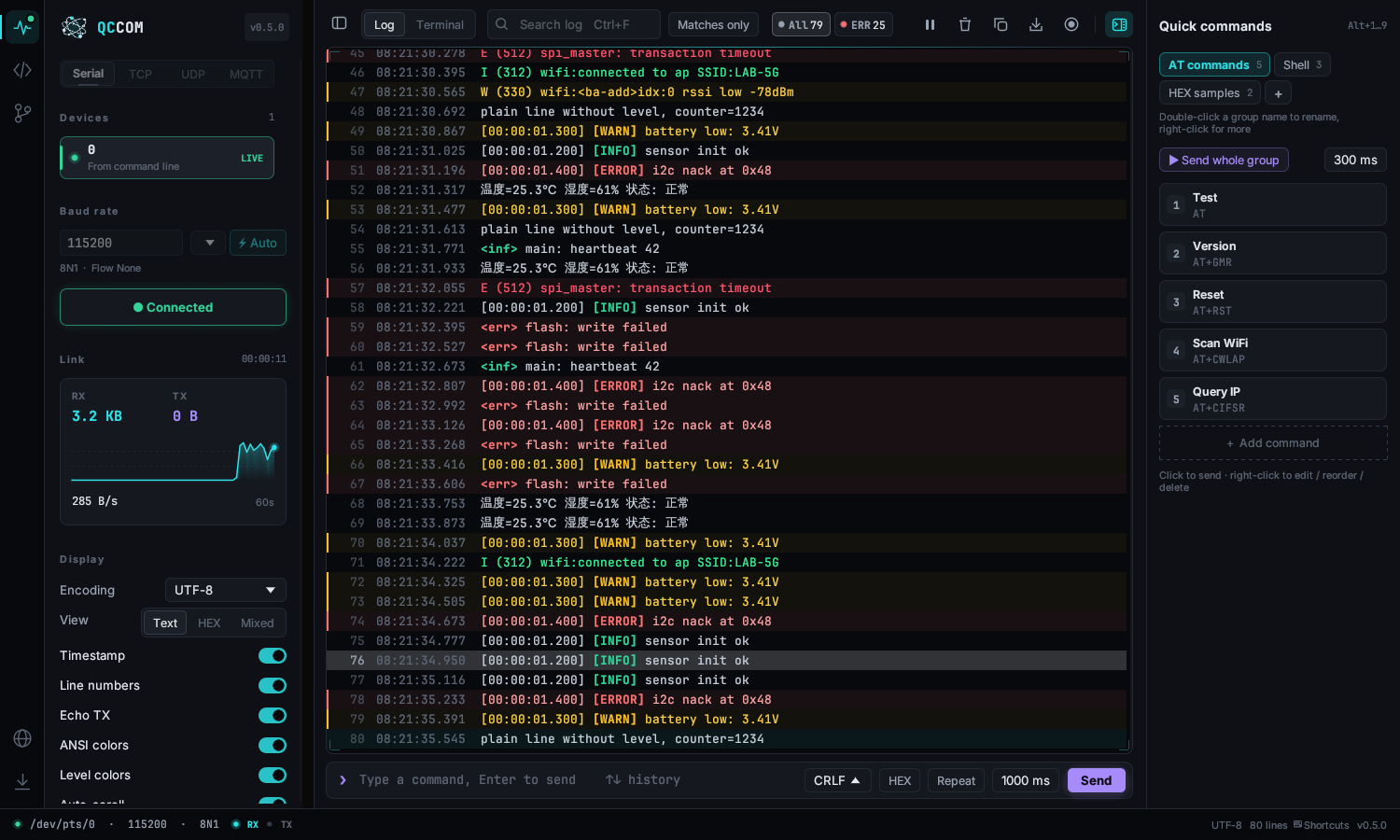
以下是程式中的實際操作。
每秒掃描序列埠,顯示晶片和 VID:PID。不知道鮑率時點「⚡ 自動」,程式會試 18 種常用鮑率並選出最好的。UTF-8 和 GBK 可隨時切換。
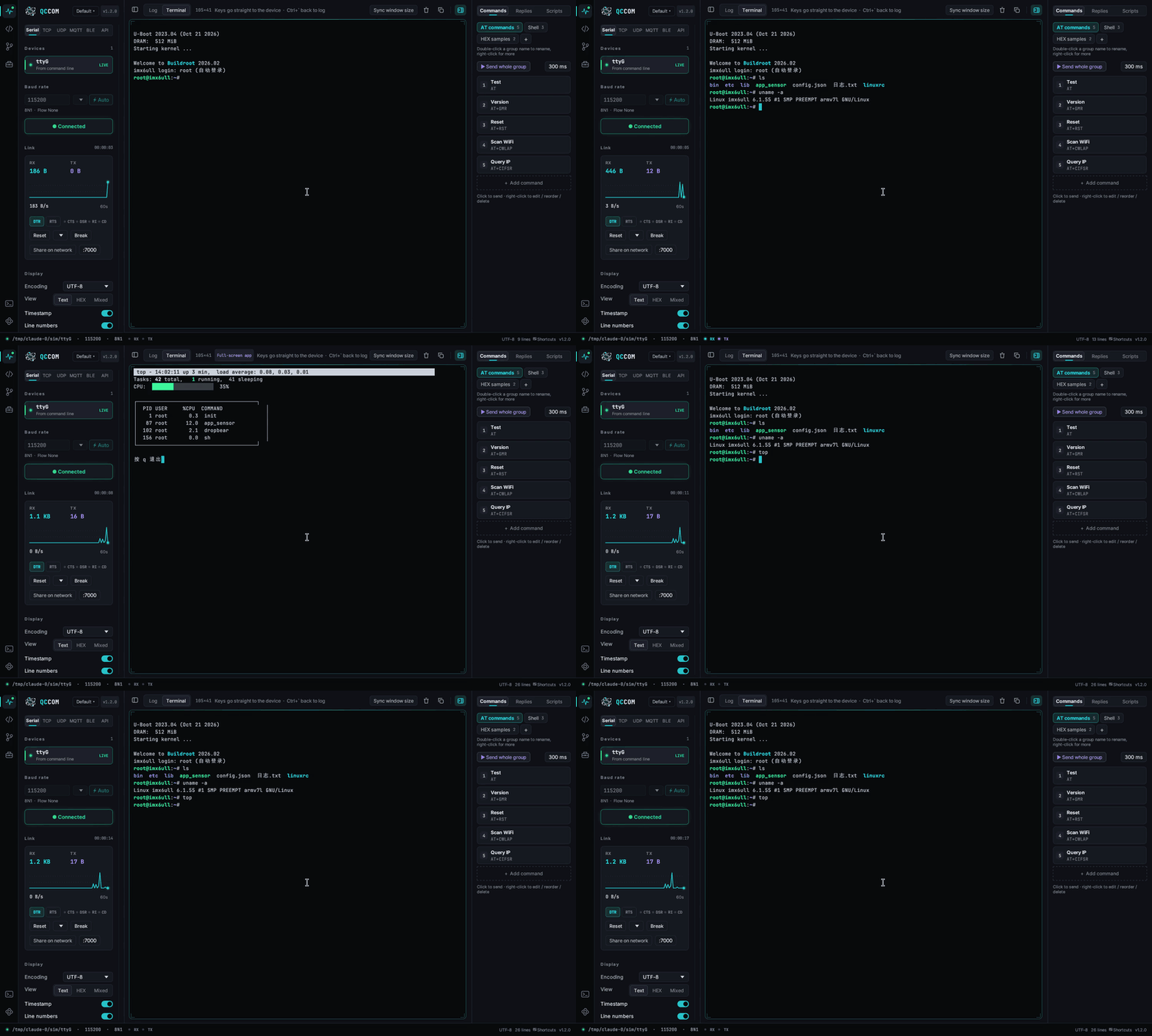
按 Ctrl+` 切換到終端機模式,完整 VT100 模擬,vi、top、menuconfig 都能正常顯示。
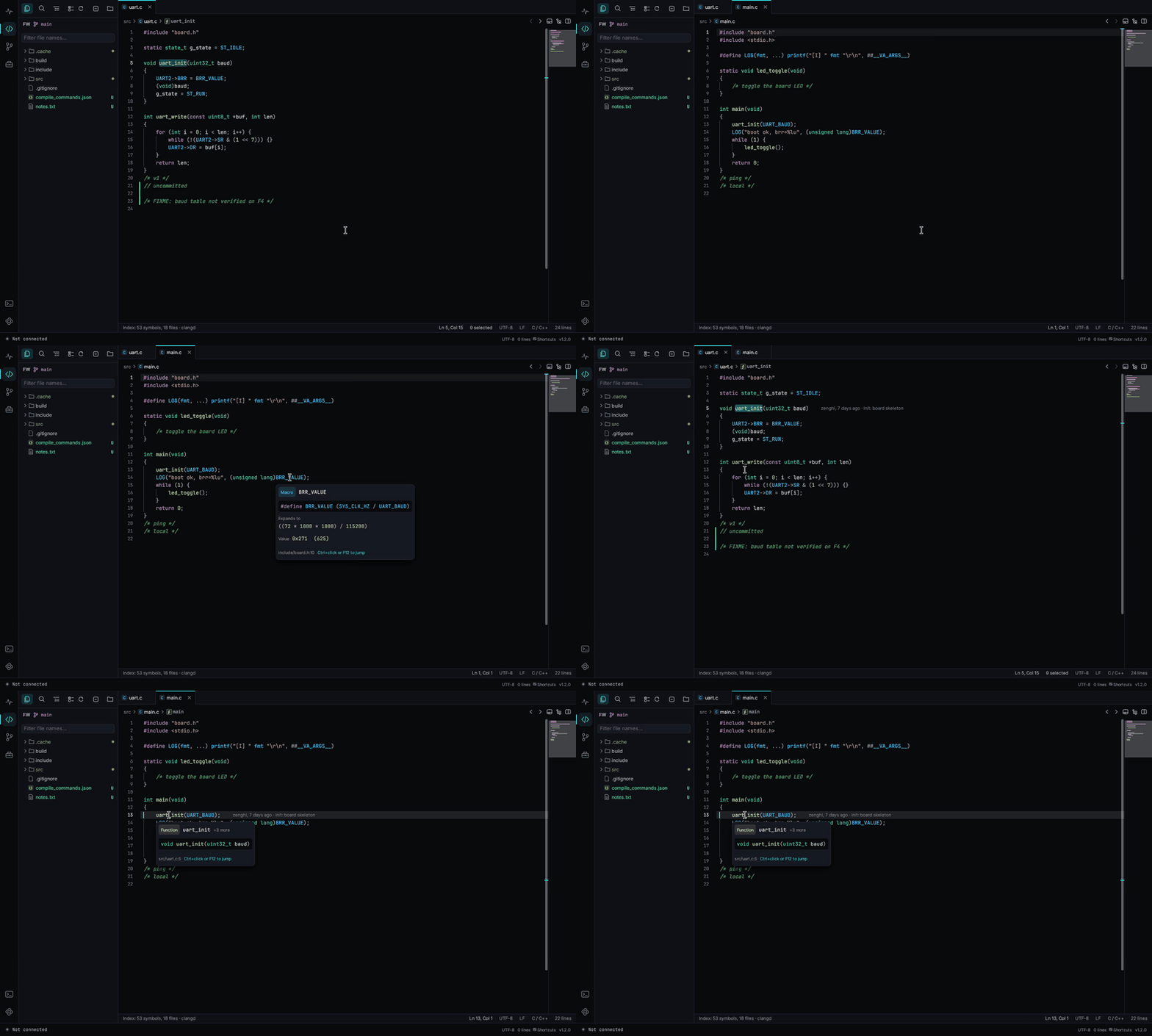
日誌中的 main.c:123 按 Ctrl+點擊就在旁邊開啟程式碼。
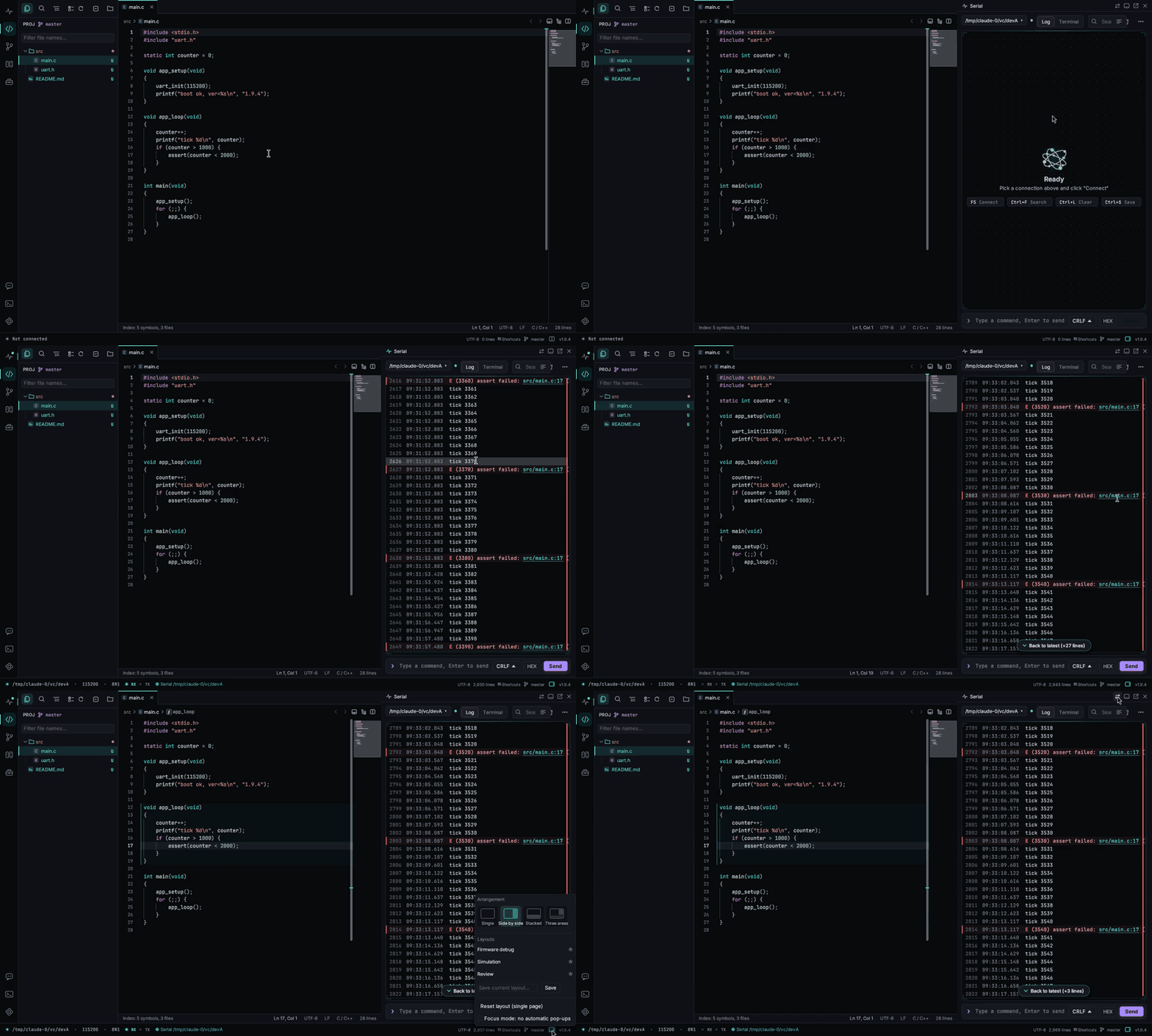
C/C++ 支援跳到定義、尋找參考和巨集展開。
qccom-windows-x64.exe · 11.5 MB · v1.9.6 · 2026-11-03
下載 Windows 版SHA-256 235f42427ea1ffde8c87bc0554642d487093d8925ba5645bf02f896e8c4a8cf8
qccom-linux-x64 · v1.9.6
下載 Linux 版SHA-256 05108925d8e20237737b3f0745658806141241e8095e33db3751a36dc8ac0f76
程式尚未程式碼簽章,Windows 第一次執行可能顯示「Windows 已保護您的電腦」,點「其他資訊」→「仍要執行」。 Code signing policy
1. Windows IME: Enter commits the typed letters instead of starting a new line
2. Terminal commands that use the open serial port (e.g. esptool.py -p COM3) release it first and reopen it afterwards
3. Open / Close button for the serial port on the side page
4. “Open with QCCOM” from Explorer brings the window to the front
5. Community posts and replies can be selected and copied